Green Stick
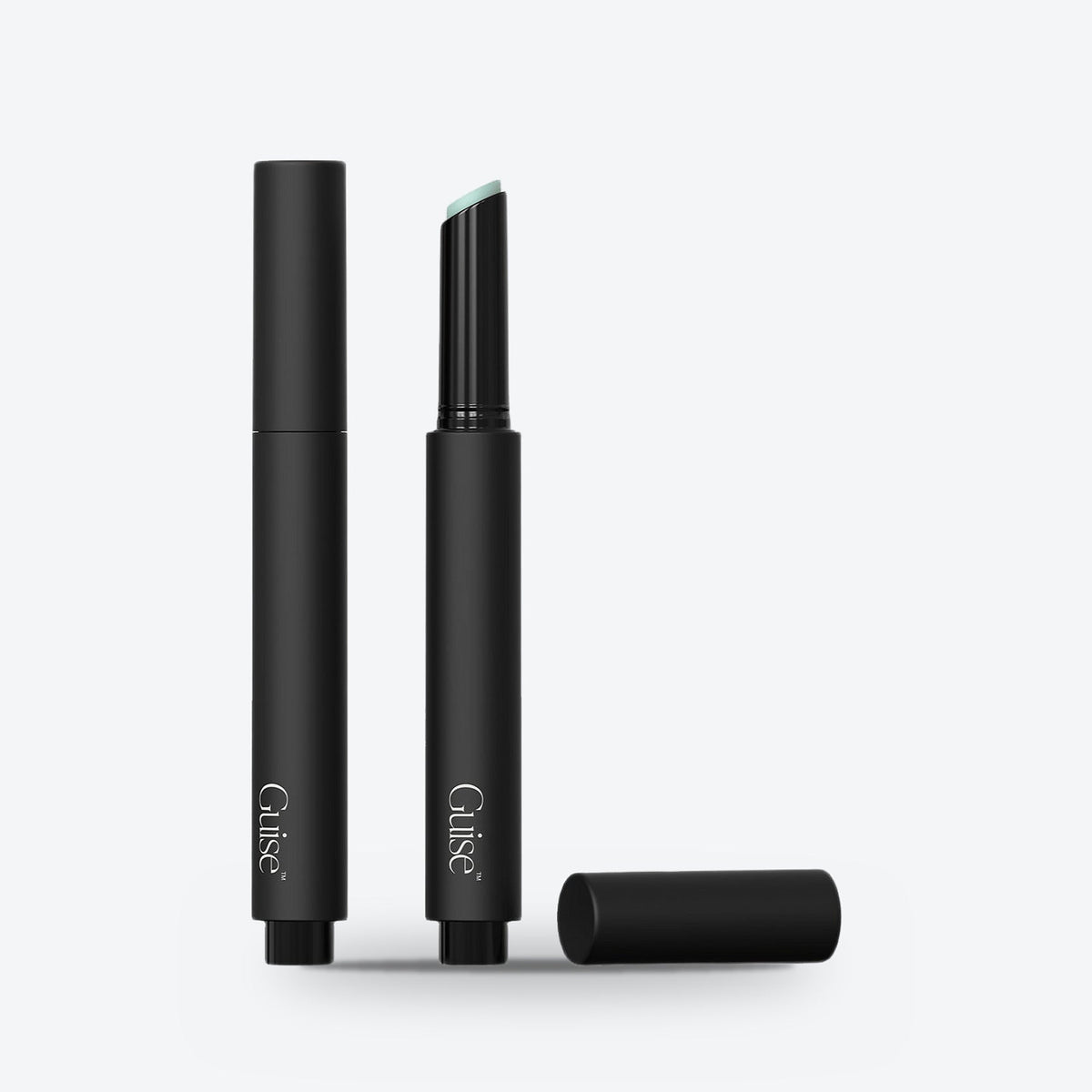
A green color corrector that blends into skin to soften visible redness. The click-up format lets you target a small area without covering the whole face.
Editor's Note
Green Stick earns its place for solving one visible concern with a small amount of product. Green pigment counters red tones, so the result depends on careful blending rather than a heavy layer.
What it does
Temporarily reduces the appearance of facial redness while worn.
Who it’s for
Men who want discreet, targeted color correction on areas that look red.
Why it works
Green and red sit opposite each other on the color wheel; the green pigment helps visually neutralize red tones.
How to use
Start on moisturized skin. Click the bottom to expose a little formula, use a clean fingertip to place a small amount on the red area, then blend gently until it disappears into the surrounding skin.
The details
- Click-up color-correcting stick
- Green pigment for visible redness
- Fragrance-free
Ingredients
Ethylhexyl Palmitate, Silica, Ozokerite Wax, Kaolin, Polyisobutylene, Phenoxyethanol, Polyhydroxystearic Acid, Microcrystalline Wax, Caprylic/Capric Triglyceride, Carthamus Tinctorius (Safflower) Seed Oil, Ethylhexylglycerin, Aloe Barbadensis Leaf Extract, Alaria Esculenta Extract, Anthemis Nobilis Flower Extract, Camellia Oleifera Leaf Extract, Camellia Sinensis Leaf Extract, Glycerin, Laminaria Ochroleuca Extract, Tocopheryl Acetate, Water (Aqua), Titanium Dioxide (CI 77891), Chromium Oxide Greens (CI 77288), FD&C Yellow No 5 Aluminum Lake (CI 19140)
Why is a redness corrector green?
Green pigment is used to soften the look of red areas when blended into the skin. This is cosmetic coverage, not a treatment for the cause of redness.
How do I use it?
Start on moisturized skin. Click the bottom to expose a little formula, use a clean fingertip to place a small amount on the red area, then blend gently until it disappears into the surrounding skin.
Do I have to cover my whole face?
No. The click-up stick is for targeting areas of visible redness. Blend it into the area you want to make less noticeable.
Explore the selection: